BESS calculators
Free sizing tools for battery energy storage projects. Every number comes from the same equipment catalog and layout rules that drive the layout tool, not from rules of thumb. No sign-up.
Frequently asked questions
Are these calculators free?
Yes — every calculator is free, with no sign-up and no usage limit. The same applies to generating full layouts in the layout tool; paid plans only affect exports and named manufacturer equipment.
Where do the numbers come from?
From the layout engine itself. The land area calculator interpolates a calibration table of real solver layouts across site sizes and shapes; the equipment calculator applies the solver's own pairing rules — one PCS & MV skid per DC cluster, Quad clusters first, E-house sized by site power. Nothing on these pages is an industry rule of thumb.
How accurate are the estimates?
The equipment counts are exact for the stated assumptions (6.25 or 5.016 MWh DC blocks, standard cluster configurations). The land estimate is a range across site shapes, valid for the fenced equipment area with default spacing rules. An irregular site, exclusion zones, or custom clearances move it, which is what drawing the actual boundary in the layout tool resolves.
What is the difference between the calculators and the layout tool?
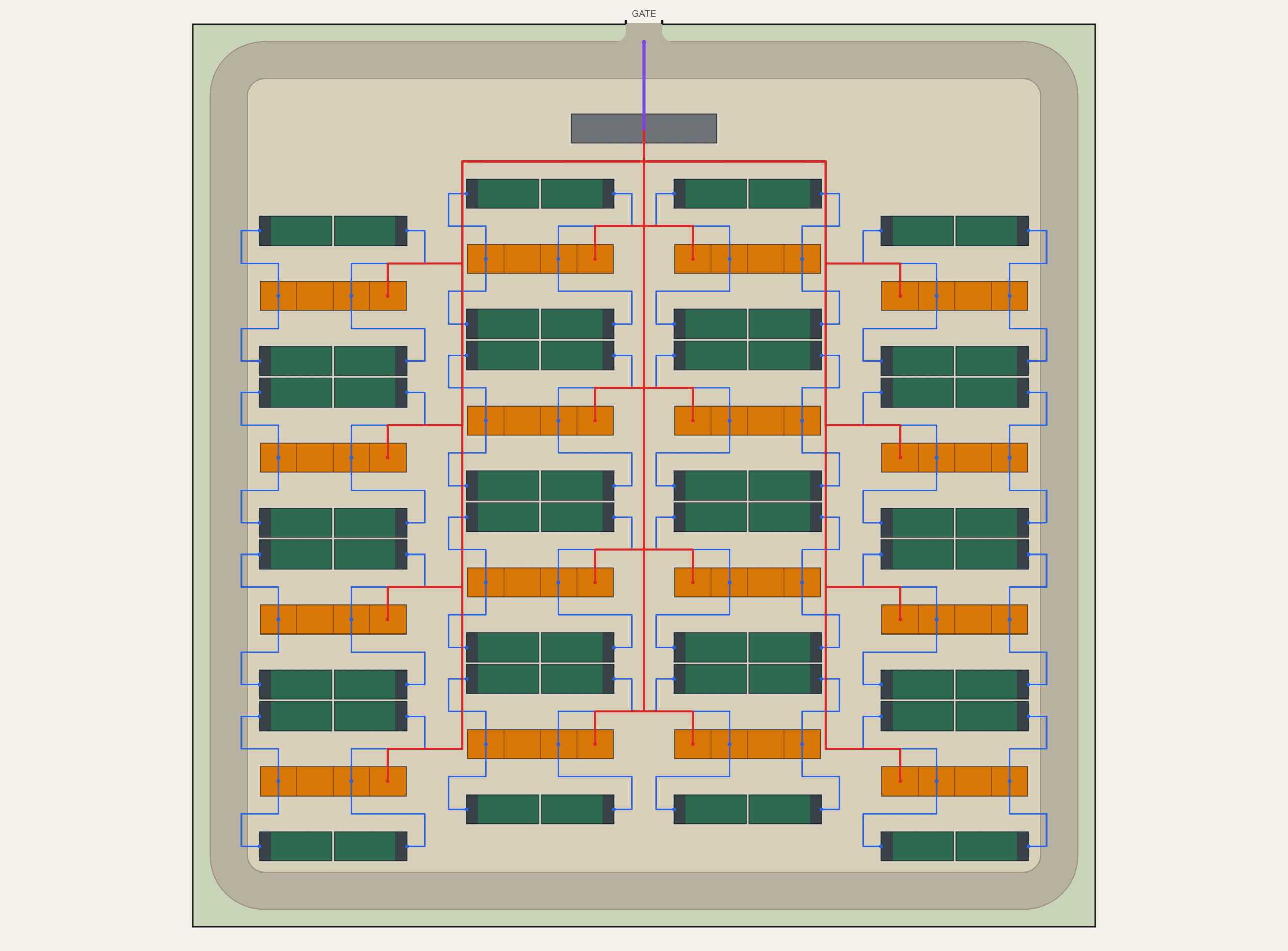
The calculators answer one number quickly. The layout tool packs a complete site layout with equipment, roads, fence, gate, and cabling onto the boundary you draw, exportable as PNG or PDF with a title block.
For a full site layout rather than a number, the layout tool packs equipment, roads, fence, and gate onto the boundary you draw. Free, browser-based.